Media · 3D Model macro
Anyone can turn the part over, no CAD licence needed
With the 3D Model macro your readers stop guessing at a shape from two screenshots. The real geometry sits on the Confluence page, so procurement, support and the new engineer rotate the assembly, look underneath and understand the design for themselves - and the review happens instead of waiting for whoever has the viewer.
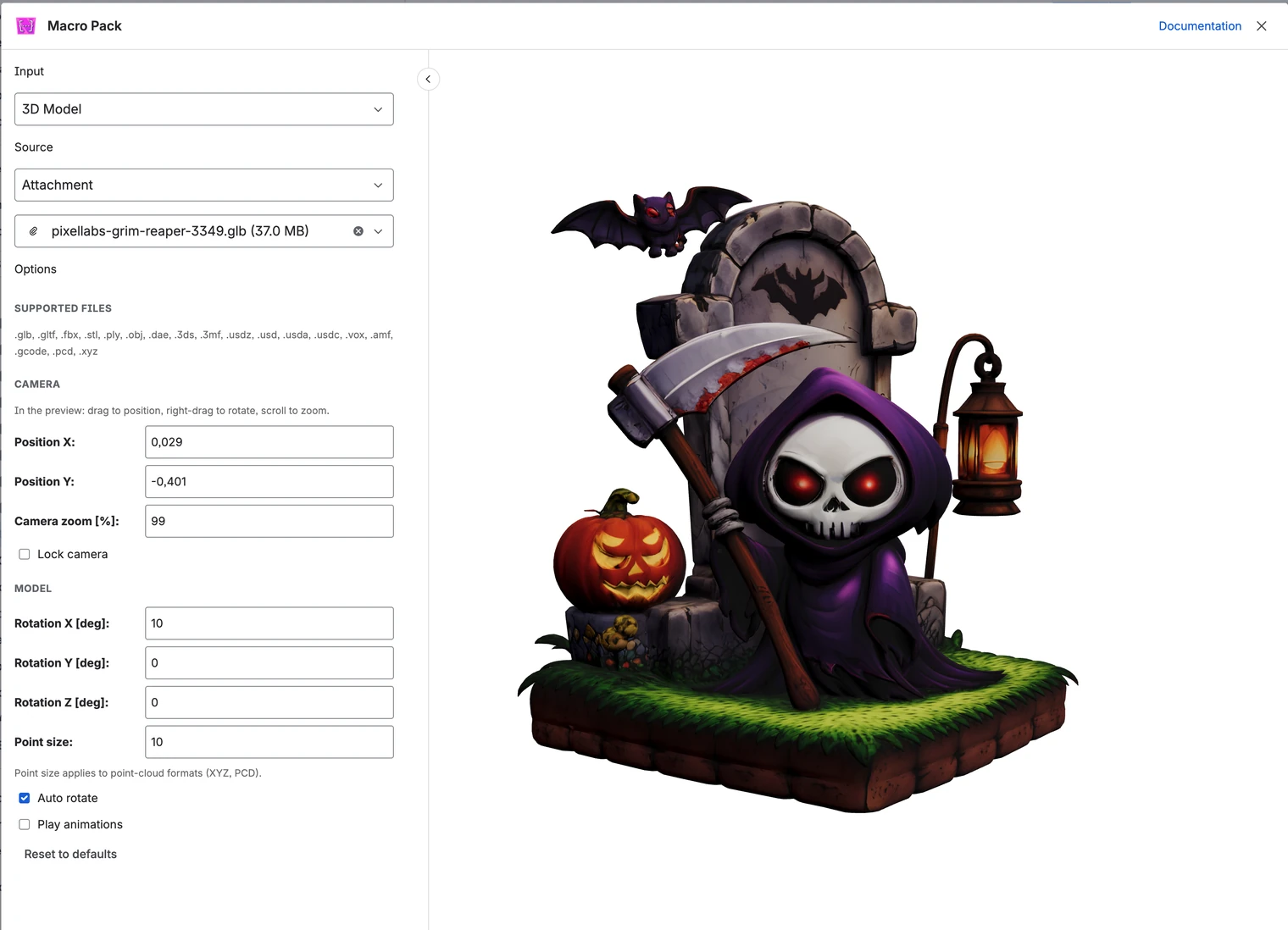
Design reviews stop waiting for the one person with the viewer
Nobody needs a licence or an install to look. Procurement, support and the new engineer all open the same page and see the same model, so the review actually happens - on the page, this week - instead of queueing behind the one workstation that can open the file.
Your readers land on the detail you are writing about
Set the camera where the reader should start - position, zoom and rotation on all three axes - and the page opens on the mounting bracket you are describing, not on a generic front view. Lock the camera when the framing is the point, or leave it free so readers explore the rest themselves.
Readers see the whole form without touching anything
Let the model turn slowly on its own and a reader takes in the entire shape hands-free. Play the animation baked into the file - the hinge opening, the mechanism cycling - choosing which one when there are several, so the movement explains what a still frame cannot. Point clouds and scans get their own point size, so your survey reads as a surface rather than a grey smudge.
You publish the file your pipeline already emits, from where it already sits
No conversion step and no copying heavy models into the wiki: glTF and GLB, FBX, OBJ, STL, PLY, COLLADA, 3DS, 3MF, USD in every variant including USDZ, VOX, AMF, even G-code and raw point clouds render as they are. Point the macro at an attachment, a URL, Google Drive, or a credentialed S3 or SFTP connection an admin set up once, and the model stays where heavy models belong.
What the other 3D app leaves you doing by hand
There is one other 3D viewer for Confluence, and it works the way most single-format apps do: attach the model to the page, and it renders. That leaves you copying exactly the files you least want in a wiki. This macro reads them from Google Drive, an S3 bucket or an SFTP server where your engineering files already are, and it opens where you point it - camera position, zoom and rotation set for the detail under discussion, animations played, point size tuned for scan data - so your page shows the part of the model the text is about, with no export in between.
3D Model is one of 31 macros in Macro Pack
One app to install, one licence to renew, one place your team learns - and 30 more formats it already reads, from spreadsheets and diagrams to API specs and documents.
See every macro in the pack